
What's New
Keep up with the latest releases and improvements.
Editor field focus
You can now make any part of the editor canvas clickable so that clicking it opens and focuses the matching field in the sidebar panel — so editors can jump straight to the thing they want to change. Add
data-field-focus="field_name"to an element in your component template to wire it up.Search inside the personalization tag picker
The personalization tag picker in rich-text fields now includes a search box once you've got more than 10 tags to choose from — start typing to narrow the list.
New field types: horizontal and vertical alignment
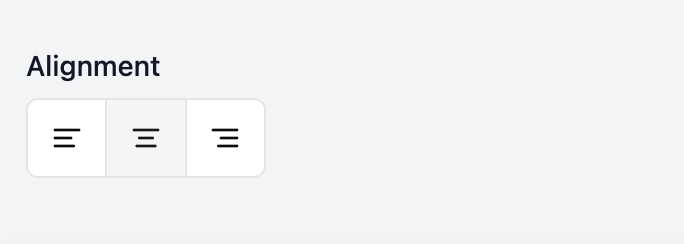
Two new field types are available when defining an email design system: horizontal alignment and vertical alignment.
New connector: Marketo
With the Marketo connector, export finished email designs straight into your Marketo template folders to schedule, send, or drop into an automation.
Edit enum field options as JSON
When you're defining an enum field in the component builder, you can now edit all of its options at once as a JSON array instead of adding them one at a time. Handy when you're pasting in a long list of values from somewhere else.