
What's New
Keep up with the latest releases and improvements.
Scope-based API key permissions
API keys now have their own fine-grained scopes, so you can restrict each key to only the resources and actions it needs instead of granting it the full permissions of the user who created it.
Existing keys were automatically migrated based on their owner's permissions, and you can update scopes of a given key at any time.
Granular scope permissions for MCP Apps
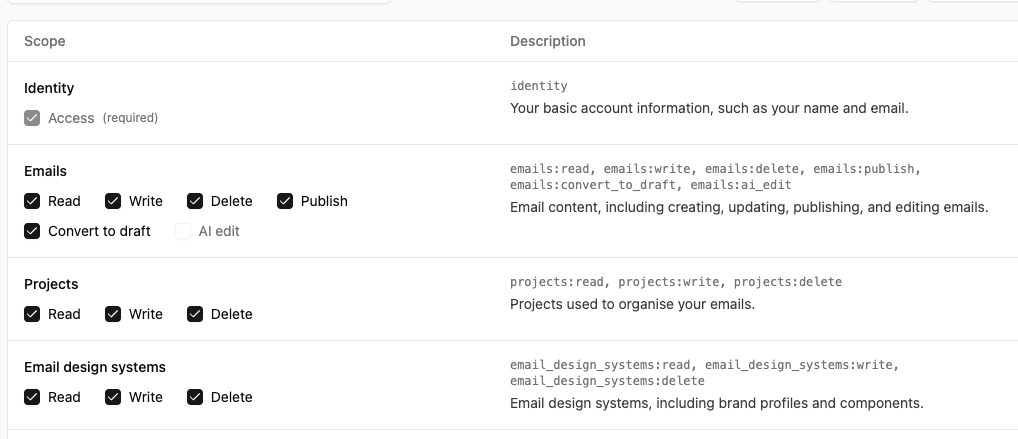
MCP apps now support granular permission scopes so you can limit exactly what each app is permitted to do.
By default, an MCP app operates with your permissions — meaning your AI assistant can do anything you're able to do. Permission scopes let you narrow that down. Importantly, scopes can only restrict access, never expand it: an app can never do something you couldn't already do yourself. So if you'd rather an app not be able to delete things on your behalf, for example, you can simply remove those scope(s).
Project page redesign
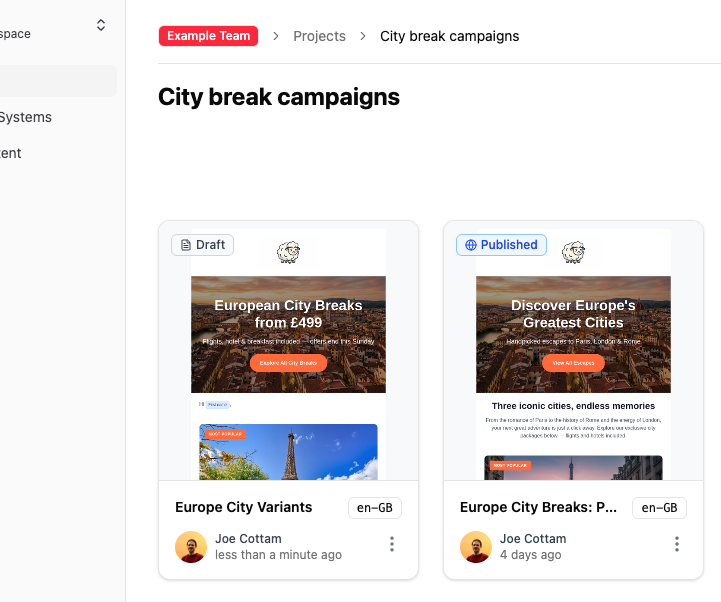
Project pages now display your emails as a visual grid with live screenshot thumbnails, so you can find the right template at a glance.
Braze media library image hosting
When you export emails to Braze, images can now be uploaded directly to your Braze media library. Enable the option from your Braze connector settings.
Email Design System fragments
Email Design System builders can now use the
<es-fragment>tag to group content without a wrapping element. Handy when a component needs multiple root elements or just bare text. It's stripped on export, leaving only your content.Read the docs →
Claude Opus 4.8 now available
Claude Opus 4.8, Anthropic's most capable model to date, is now available in your Anthropic AI provider settings.
Select it from
Organization settings → AI Provider.Component Presets
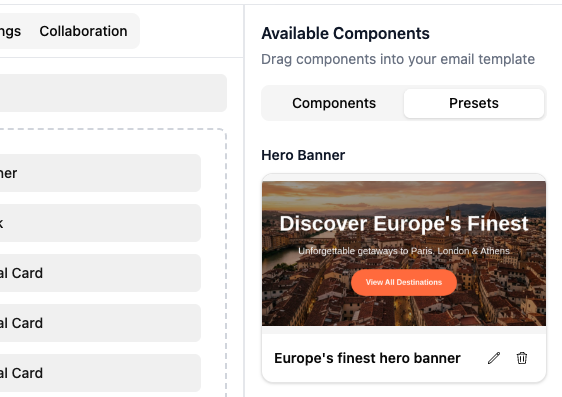
You can now save a populated component as a reusable component preset and drop it into future emails. A footer with your social links, a hero with your standard promo copy, a product card already translated into every locale you ship to. Configure it once, then reach for it whenever you need it.
A Preset is the whole component, exactly as you set it up, including every translation you've filled in and any conditional content you've authored.
To save one, expand a component in the sidebar and click the bookmark icon. To use it, open the Add Component panel and look for the new Presets tab.
Gemini 3.5 Flash model
Google's Gemini 3.5 Flash is now available from AI provider settings.
GPT-5.5 support for OpenAI connections
You can now use OpenAI's GPT-5.5 model when configuring your AI provider.
Use your emails as context
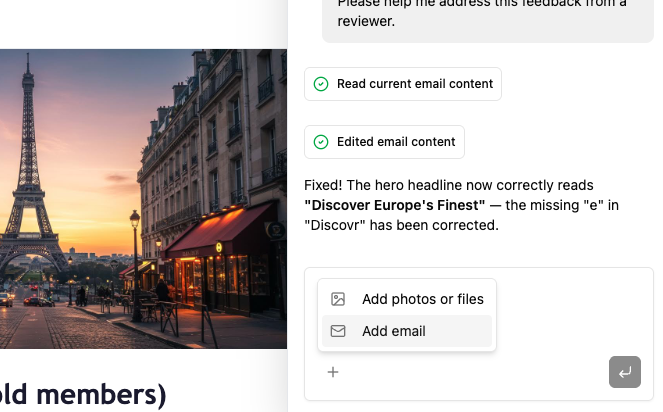
Attach existing emails to your AI Chat messages and let your agent work from them. "Build me something like this one," or "draft a new one based on these three" — now it has the full picture.