
Editor preview options
Preview options let you check how personalized and conditional content will look without changing the email or its exported code.
The Preview options button appears above the email preview when the email contains at least one personalization tag or conditional. Select it to open the personalization and conditional controls.
Previewing personalization tag values
Section titled “Previewing personalization tag values”Personalization tags are shown as labelled badges in the editor by default. To preview the email with realistic content instead:
- Select
Preview options. - Open the
Personalization Tagstab. - Turn on
Show example values.
The preview replaces each personalization tag badge with the example value saved on that tag. Only personalization tags used in the current email are listed.
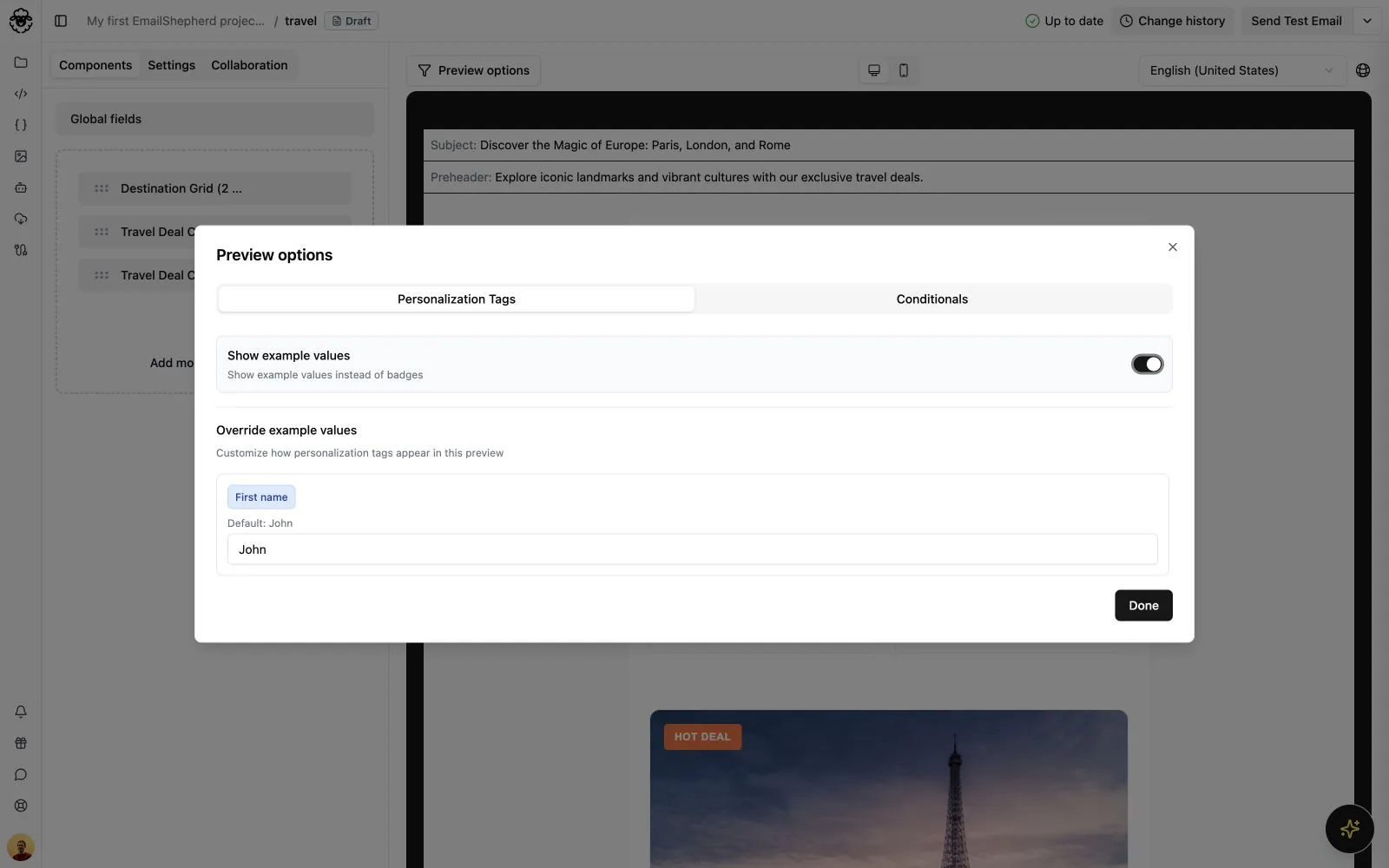
To try different content without changing the personalization tag’s saved example value, edit its value under Override example values. Select Reset beside an edited value to restore the saved example value.
See Creating a personalization tag to learn how to set its saved example value.
Filtering conditional branches
Section titled “Filtering conditional branches”By default, the editor displays every branch of each conditional so that you can edit them together. You can filter the preview to check one audience-specific version of the email:
- Select
Preview options. - Open the
Conditionalstab. - Use the menu beside each conditional to choose what the preview should display.
For a conditional with multiple branches, you can:
- Show all branches.
- Show one specific branch.
- Hide all branches.
For a conditional with one branch, you can show or hide that branch. The list includes both reusable and inline conditionals used in the email.
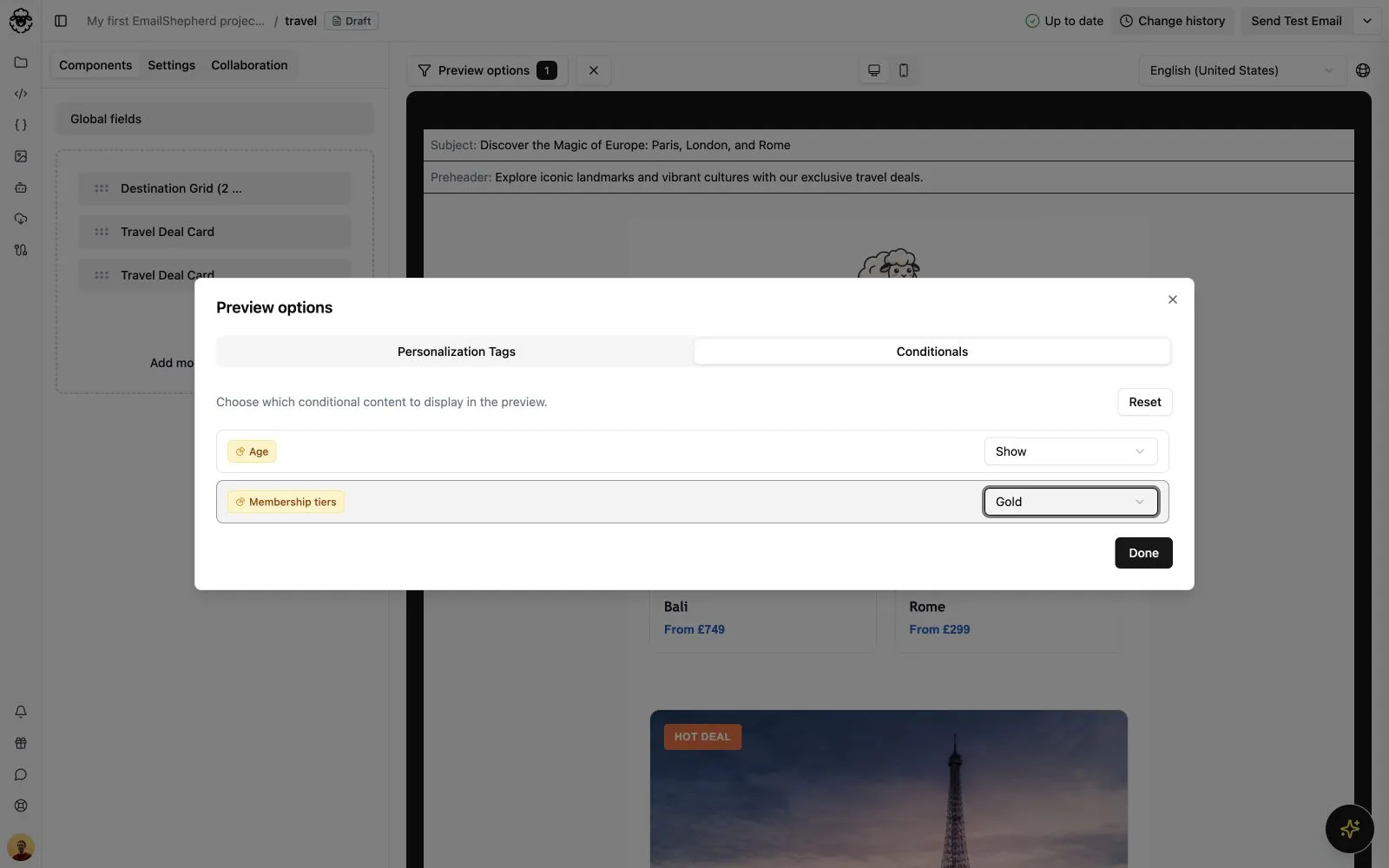
When a filter is active, the Preview options button displays the number of filtered conditionals. Select the × button beside it to show every branch again, or select Reset in the Conditionals tab.
See Using conditionals in an email to learn how to add reusable and inline conditionals.