
Creating a project
Creating a project
Section titled “Creating a project”The first step to creating an email is to create a project. A project in EmailShepherd is a logical grouping of emails. Only members of the team that owns the project can access the project.
Click on ‘New Project’
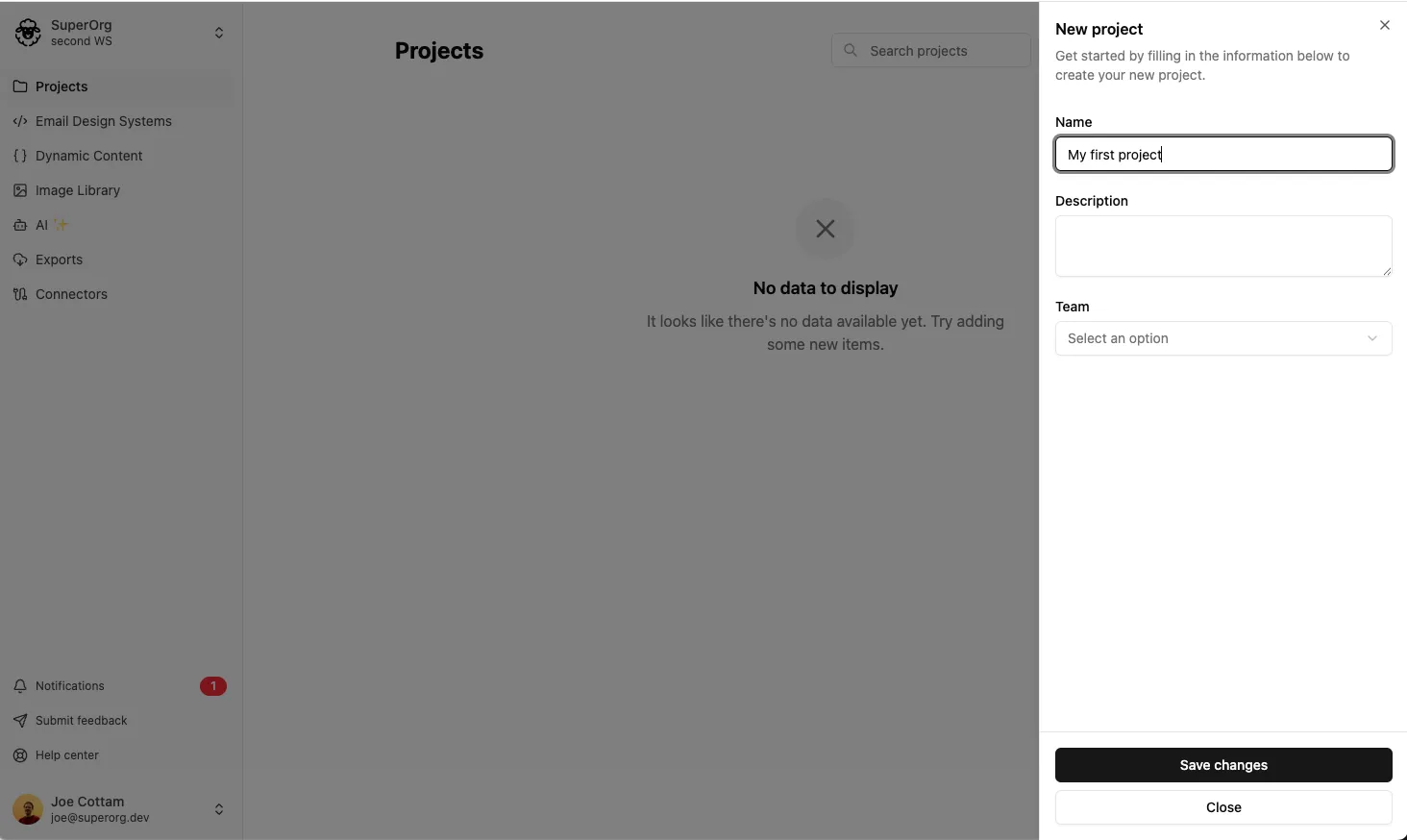
Here you can enter a name and description for your project, and set the team that owns the project.
Read the next article about Creating your First Email to learn how to create your email.