

How to create an API key
This article shows you how to create an API key, choose what it’s allowed to do, and change or delete it later.
An API key lets a script, integration or tool, such as the EDS SDK, sign in to the EmailShepherd API. Each key has a set of scopes, which control exactly what it can access.
Create an API key
Section titled “Create an API key”-
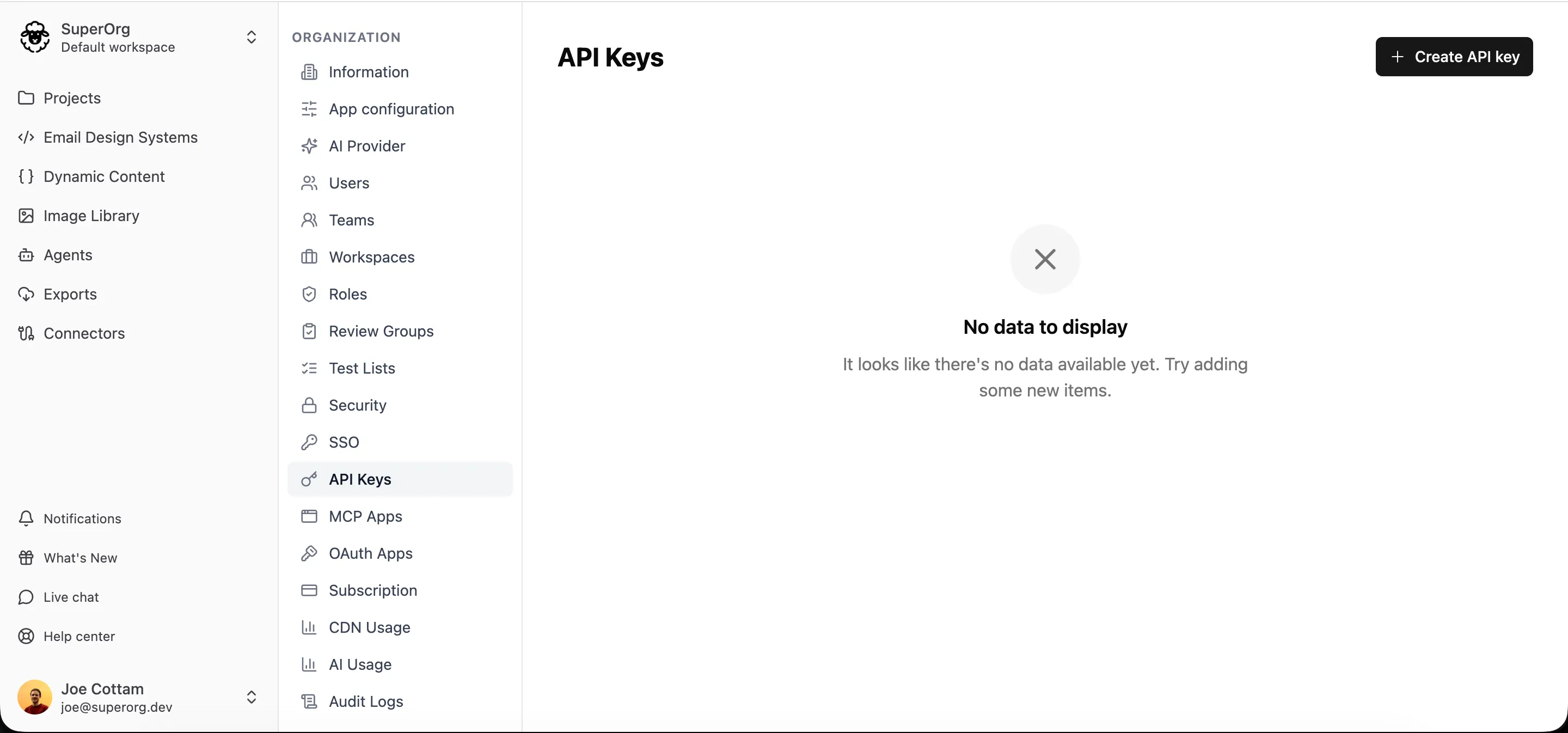
Navigate to Organization settings > API Keys.
-
Click Create API key.
-
In Name, enter a name that says what the key is for, such as
EDS SDKorTransactional emails, so you can recognize it later. -
Under Permission scopes, tick the scopes the key needs. See Choose scopes.
-
Click Create API key.
-
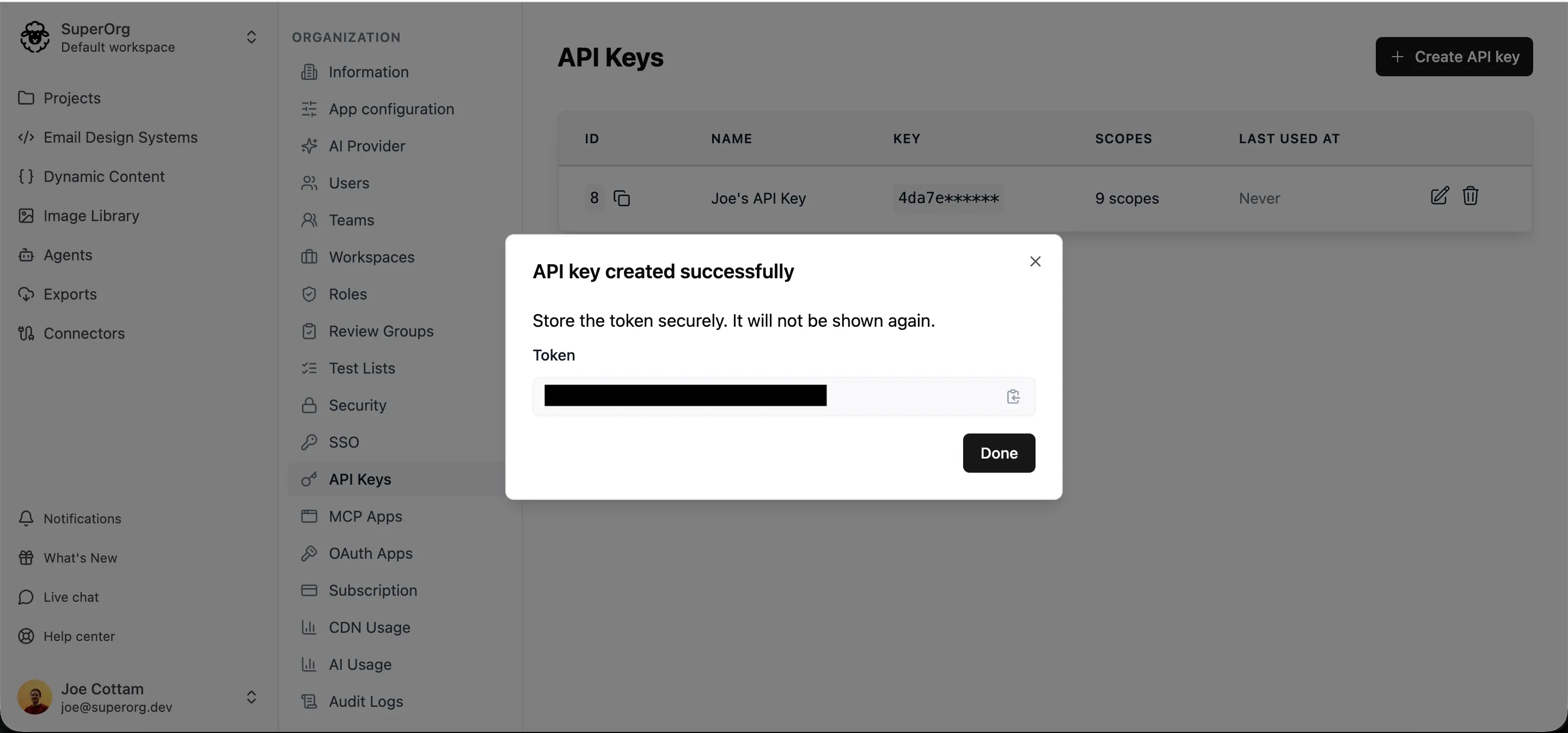
Copy the token and store it somewhere safe, such as a password manager or your secrets store.
-
Click Done.
Choose scopes
Section titled “Choose scopes”Scopes are grouped by what they give access to, such as Emails, Projects and Image library. Most groups have Read, Write and Delete scopes, and some have extra ones, such as Publish for emails.
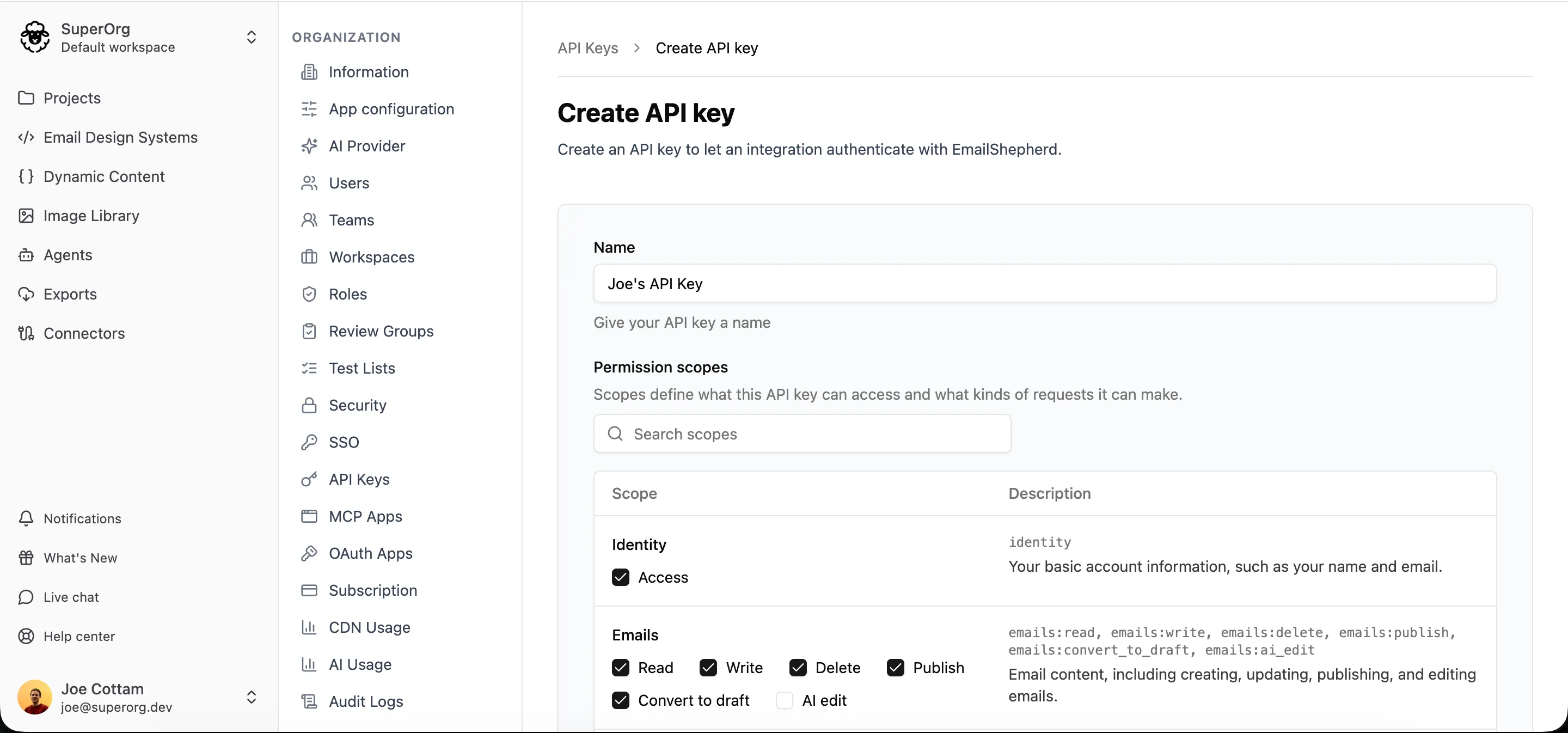
To find a scope quickly, type in Search scopes.
Give each key only the scopes it needs. A key can do exactly what its scopes allow and nothing more, so a key that only reads emails can’t change or delete them.
Each endpoint in the API reference lists the scope it needs.
Change a key’s name or scopes
Section titled “Change a key’s name or scopes”- Navigate to Organization settings > API Keys.
- Click the edit icon next to the key.
- Change the Name or Permission scopes.
- Click Update API key.
The token stays the same, so anything already using the key keeps working with its new scopes.
Delete a key
Section titled “Delete a key”- Navigate to Organization settings > API Keys.
- Click the delete icon next to the key.
- Confirm that you want to delete it.
Next steps
Section titled “Next steps”To make your first request with your new key, see How to authenticate with the API.