How to send a test email
This article shows you how to send a test email, so you can see how your email looks in a real email client before you send it to your audience.
Send a test email
Section titled “Send a test email”- Open the email and select the locale you want to test.
- In the top bar, click Send Test Email. If you don’t see it, click the arrow beside the main action button and select it from there.
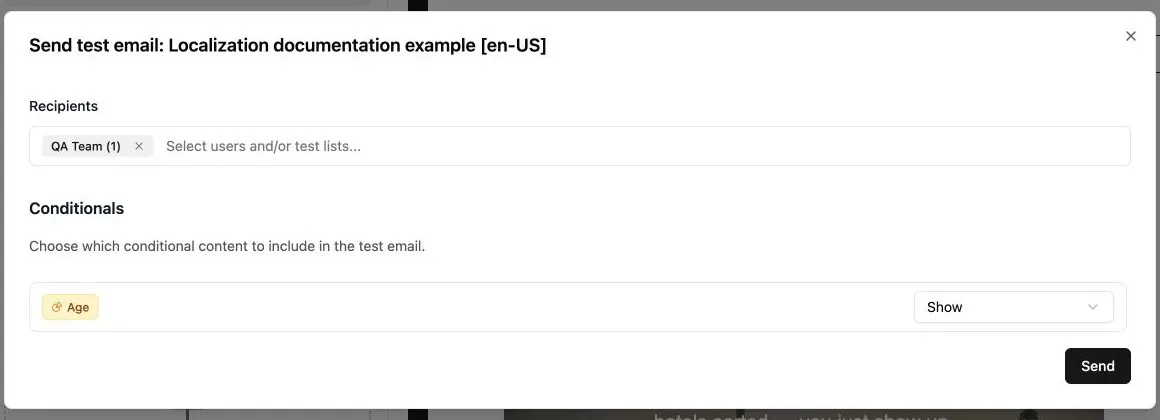
- Under Recipients, select the users, test lists, or both, that should receive the test. You can select up to 15 users and 5 test lists. To set up a test list, see How to create a test list.
- If the email uses conditional content, under Conditionals, choose what to include for each conditional:
- Show all branches: include the content for every branch.
- Hide all branches: leave the conditional content out.
- A specific branch: include only that branch’s content, e.g. to check what one audience will receive.
- Click Send.