

How to clone an email
This article shows you how to clone an email.
Cloning makes a copy of an email, including its content and all of its locales. It’s useful when a new email is similar to one you’ve already built, such as next month’s newsletter.
Clone an email
Section titled “Clone an email”- Open the project that contains the email.
- Click the three dots on the email.
- Select Clone.
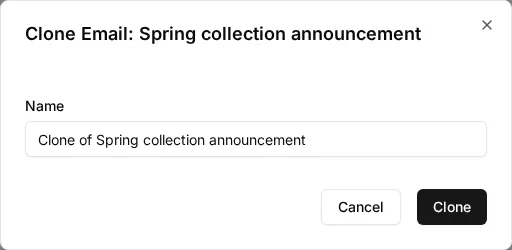
- In Name, enter a name for the copy. By default, it’s the original email’s name with “Clone of” in front.
- Click Clone.
The copy is added to the same project and folder as the original email. It’s always a draft, even if the original email is published.