

How to request an AI review
This article shows you how to ask an AI review agent to review an email.
An AI review agent checks your email against its instructions and adds comments highlighting any issues it finds. Requesting an AI review before you submit an email for approval helps you fix common issues before human reviewers see it.
Before you begin
Section titled “Before you begin”You need at least one AI review agent. See How to create an AI review agent.
Request an AI review
Section titled “Request an AI review”- Open the email in the editor.
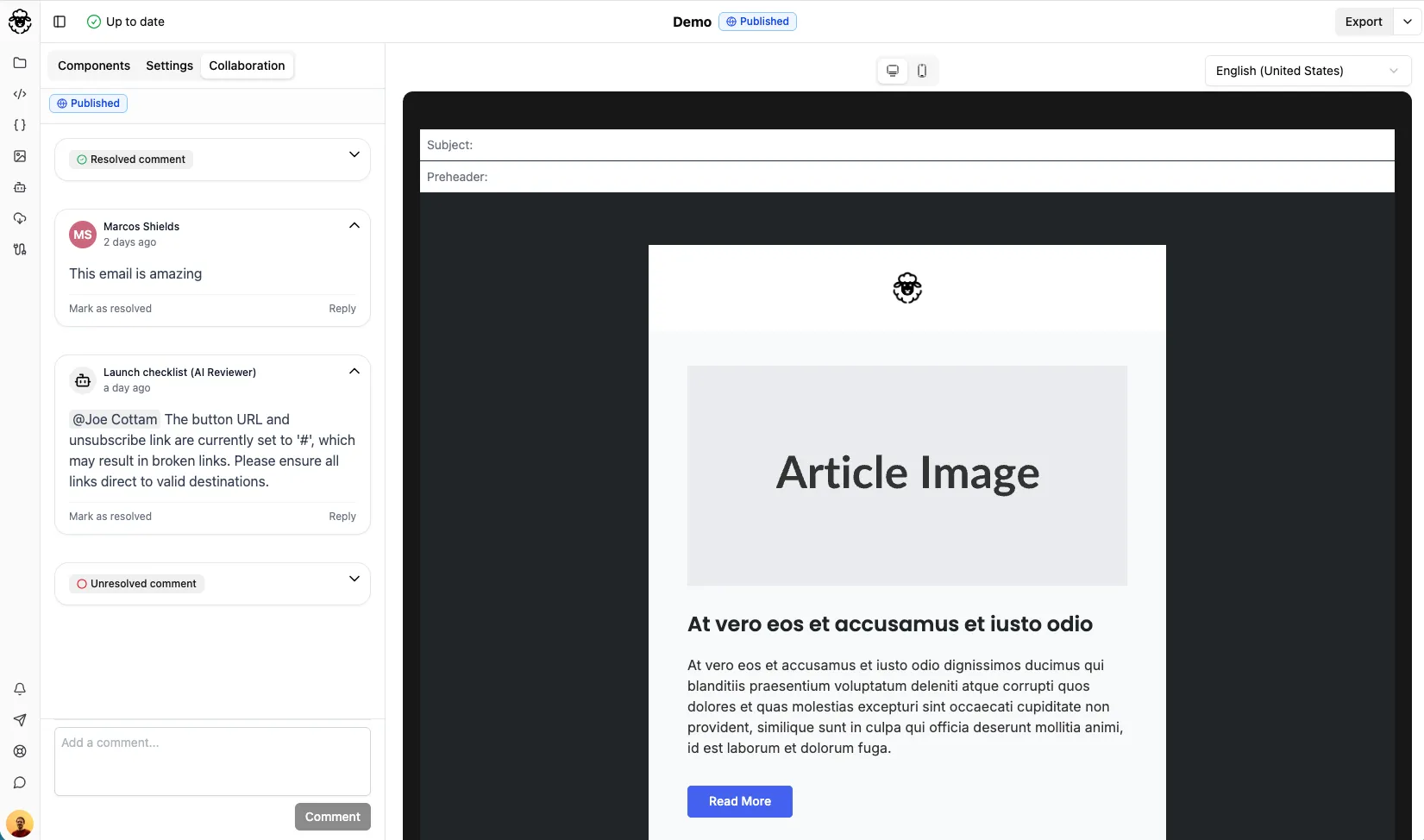
- Click the Collaboration tab.
- Click AI Reviews.
- Beside the AI review agent you want to use, click the play icon (Request review).
When the agent finishes its review, it adds comments in the Collaboration tab highlighting any issues it found.
To run the review again after making changes, click AI Reviews, then click the Review again icon beside the agent.