

How to hide a component in a locale
This article shows you how to hide a component in some locales of an email, so each audience only sees the content that applies to them. For example, you might hide a free shipping offer in a region where it isn’t available.
Hidden components stay in the email, so you can show them again at any time. Hiding a component in one locale doesn’t affect the others.
Hide a component
Section titled “Hide a component”-
Open the email in the editor.
-
In the Components tab, hover over the component and click the eye icon (Toggle visibility).
-
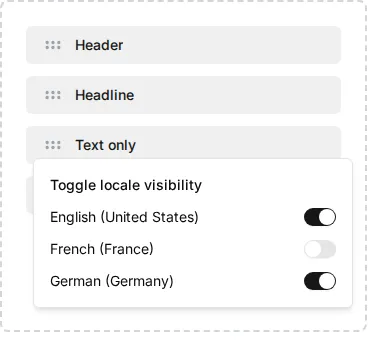
Under Toggle locale visibility, turn off the switch for each locale you want to hide the component in.
-
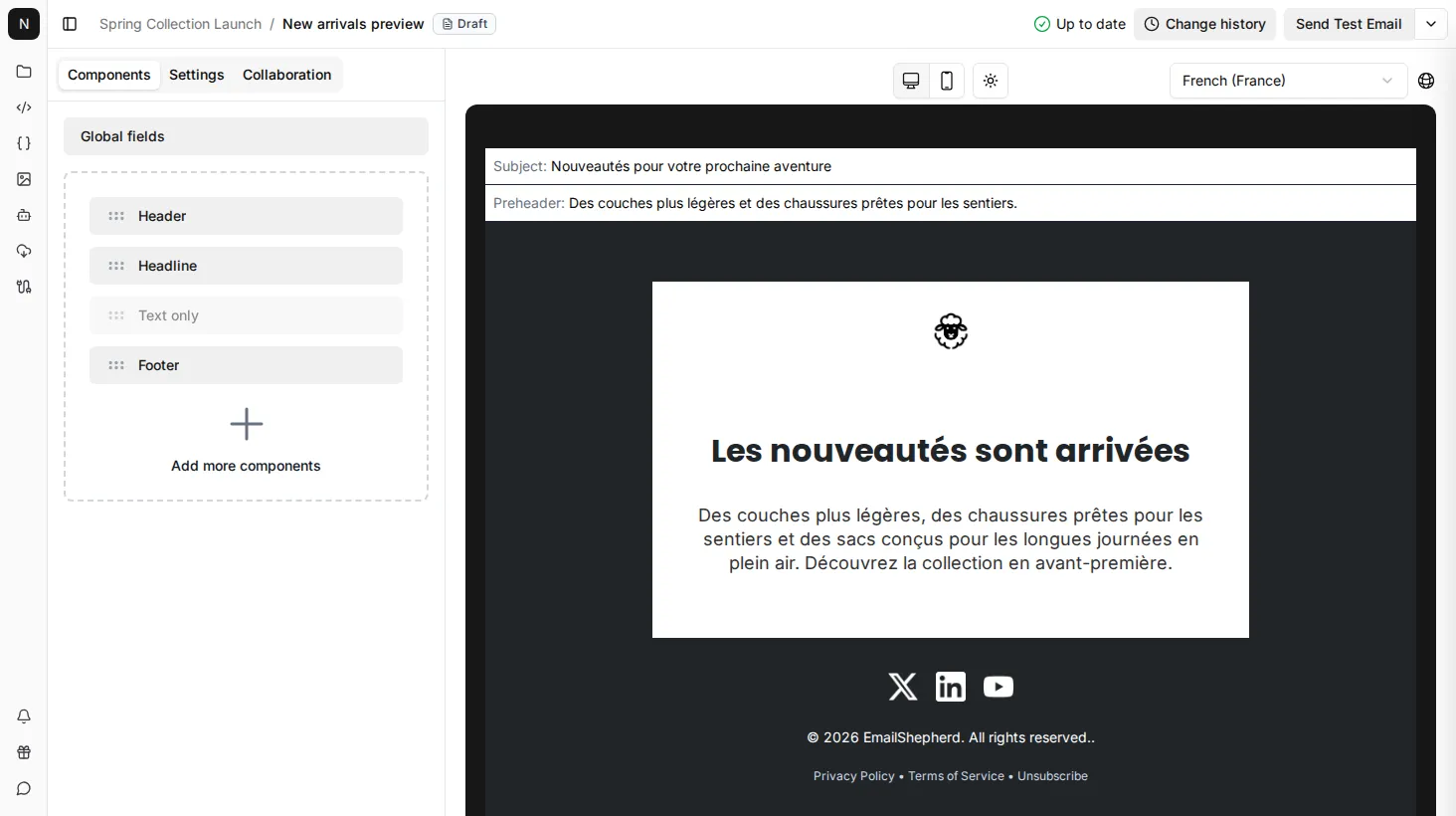
To check the result, switch to that locale. The component is greyed out in the component list and doesn’t appear in the preview.
To show the component again, turn its switch back on.