

How to create an AI review agent
This article shows you how to create an AI review agent and write instructions for it.
AI review agents are AI agents that review your emails and leave feedback based on your organization’s guidelines and requirements. They help you catch issues before your email enters the formal approval workflow, saving human reviewers time and reducing review cycles. You can use them for a wide range of tasks, such as:
- Automated checks: technical requirements like alt text, or required elements.
- Brand consistency: making sure tone, voice and messaging match your brand guidelines.
- Compliance: checking for required legal copy, company address or unsubscribe links.
- Pre-send checklists: replacing manual checklists with automated reviews.
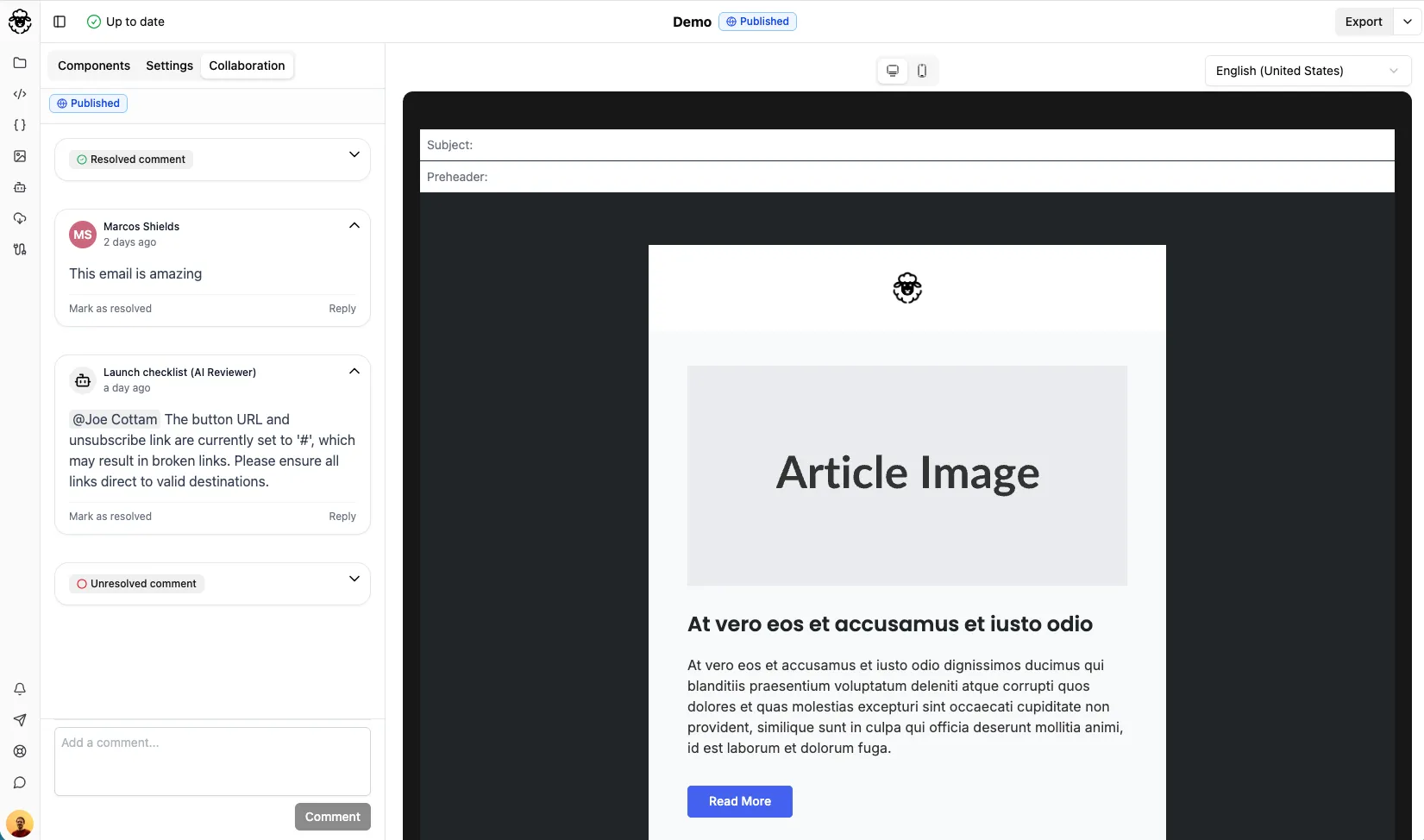
Create an AI review agent
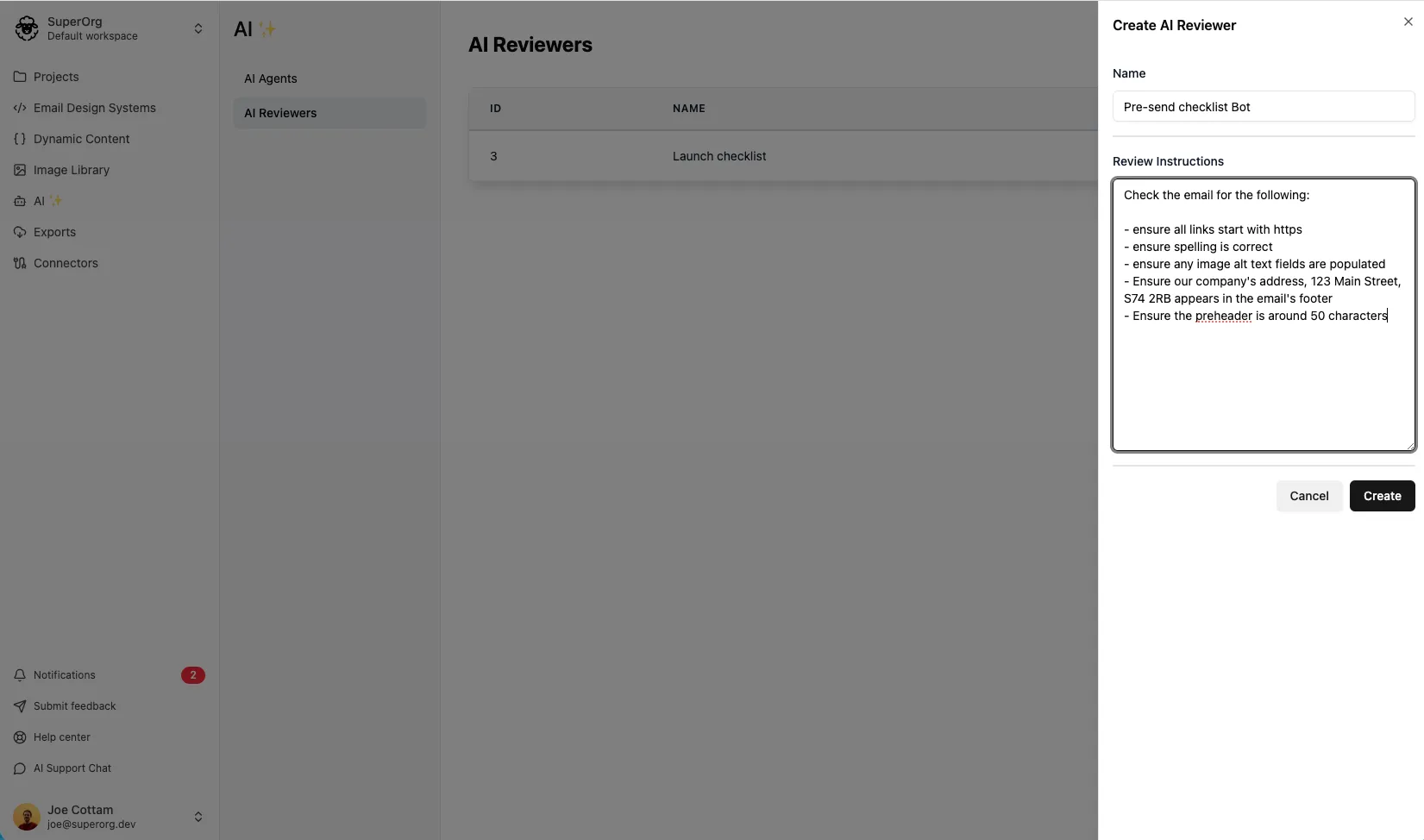
Section titled “Create an AI review agent”- In the sidebar, click Agents, then click Review Agents.
- Click Create new Review Agent.
- In Name, enter a name, e.g. “Brand Tone Checker” or “Pre-Send Checklist”.
- In Review Instructions, write the prompt that tells the AI what to review and look for. See Example instructions.
- Optionally, in Skills, select any skills the agent can use when reviewing emails.
- Click Create.
Your AI review agent is now ready. To use it, see How to request an AI review.
Example instructions
Section titled “Example instructions”Technical compliance check
Section titled “Technical compliance check”Review this email and check:
All images have alt textAll links use httpsUnsubscribe link is presentCompany physical address is includedBrand tone and voice
Section titled “Brand tone and voice”Review the email copy to ensure it matches our brand voice:
Friendly and conversational, not formalUses "we" and "you" languageAvoids jargon and overly technical termsTone is encouraging and supportiveFlag any copy that feels too corporate or impersonal.Pre-send checklist
Section titled “Pre-send checklist”Review this email against our pre-send checklist:
Subject line is under 50 charactersPreview text is set and compellingPrimary CTA is clear and above the foldLegal disclaimer is present at bottomSocial media links are includedEmail includes our company address and unsubscribe linkDepartment-specific review
Section titled “Department-specific review”Review this email from a legal compliance perspective:
All claims are substantiated and not misleadingMedical/health claims follow FDA guidelinesFinancial disclaimers are present where neededPrivacy policy link is includedGDPR/CCPA compliance language is presentTips for writing instructions
Section titled “Tips for writing instructions”- Be specific: clear, detailed instructions produce better results.
- Use examples: show the AI what good and bad look like.
- Prioritize: list the most important checks first.
- Iterate: trial and error is key to finding what works best for your needs.
AI review agents work best alongside your approval workflow, not as a replacement. Use them to catch technical and compliance issues, so human reviewers can focus on higher-level feedback.