

Field type reference
This article lists every field type you can add to a component. To add a field, see Fields.
| Field type | Shows in the email editor | Use it for |
|---|---|---|
| Text | A single-line text box | Headlines, button text, alt text |
| Rich text | A rich text editor | Body copy with bold, italics, links and lists |
| Number | A number box | Widths, sizes, counts |
| Boolean | An on/off toggle | Showing or hiding part of a component |
| Enum | A dropdown of fixed options | Choosing from a set list, such as a style |
| URL | A link box | Link destinations |
| Image | An image picker | Image sources |
| Color | A color picker | Background and text colors |
| Horizontal align | Left, center and right buttons | Horizontal alignment |
| Vertical align | Top, middle and bottom buttons | Vertical alignment |
| Code | A code editor | Raw HTML or ESP code |
Every field type has a Label, Liquid variable, Group, Hint and Visible if setting. See Fields for what they do. Each section below covers what’s specific to the type. In the examples, the table shows the field the template uses.
A single line of plain text.
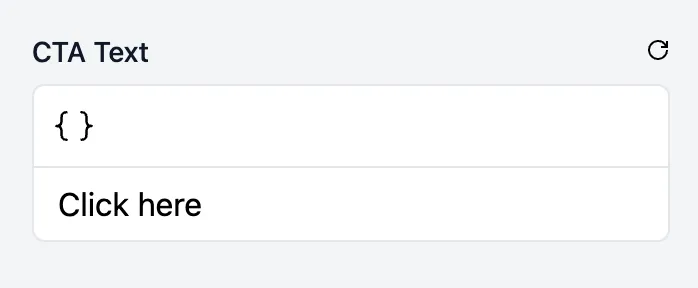
- Value: the text entered.
- Validation rules: Minimum length, Maximum length, Must not be blank, Must not be default.
| Label | Liquid variable | Type |
|---|---|---|
| CTA text | cta_text | Text |
<a href="https://example.com">{{cta_text}}</a>Rich text
Section titled “Rich text”Formatted text and links.
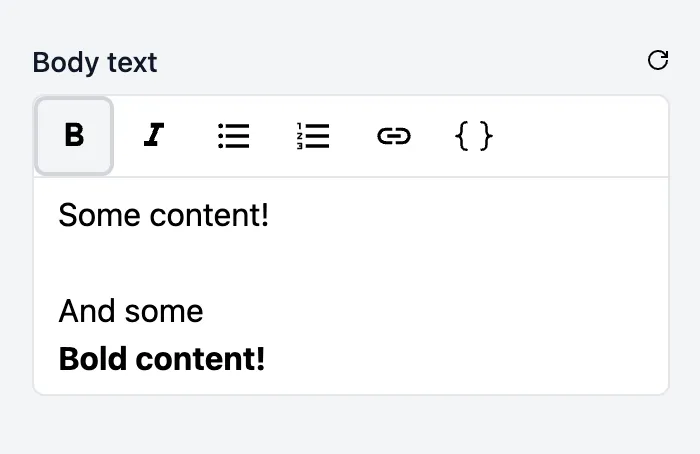
- Value: the formatted text, as HTML.
- Options: which formatting people can use, and any custom styles. See Rich text formatting and custom styles.
- Validation rules: Minimum content length and Maximum content length (counting the text only, not the formatting), Must not be blank, Must not be default.
- Link tracking: if a link tracking profile is set up, tracking is added to links in the field.
| Label | Liquid variable | Type |
|---|---|---|
| Body text | body_text | Rich text |
<td> {{body_text}}</td>Number
Section titled “Number”A number.
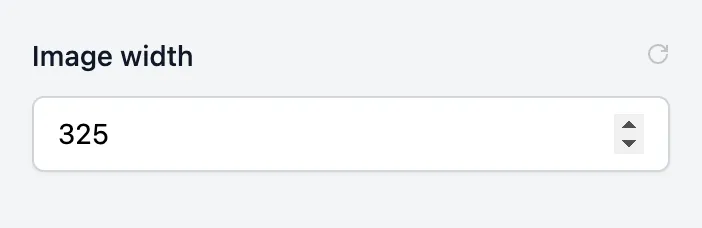
- Value: the number entered. The default value must be a whole number or a decimal.
- Validation rules: Minimum, Maximum.
| Label | Liquid variable | Type |
|---|---|---|
| Image width | img_width | Number |
<img src="https://example.com/example.png" width="{{img_width}}" style="display: block; width: {{img_width}}px;" />Boolean
Section titled “Boolean”An on/off toggle.
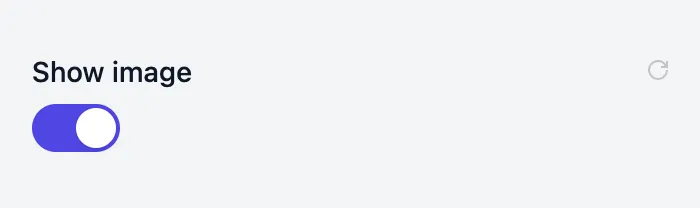
- Value:
trueorfalse. Usually used with aniftag. - Validation rules: none.
| Label | Liquid variable | Type |
|---|---|---|
| Show image | show_image | Boolean |
{% if show_image %} <img src="https://example.com/example.png" />{% endif %}A dropdown with a fixed list of options.
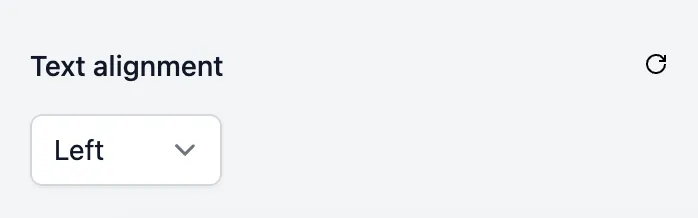
- Value: the Value of the chosen option.
- Options: for each option, the Label people see and the Value your template receives. Click Add option to add more, or Edit as JSON to edit them all at once. The default value must be one of the options.
- Validation rules: none.
| Label | Liquid variable | Type | Options |
|---|---|---|---|
| Text alignment | text_alignment | Enum | left, center, right |
<td style="text-align: {{text_alignment}}"> <p>Some content</p></td>A link destination, with a button in the email editor to open the link.
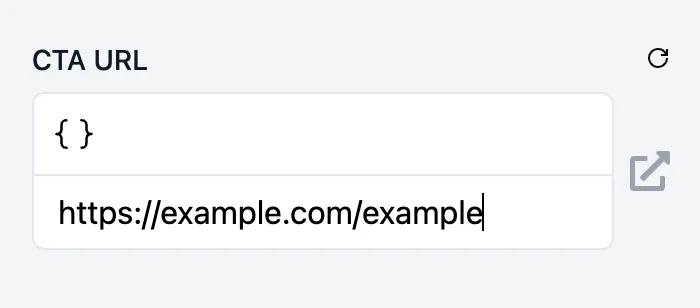
- Value: the URL entered, with tracking parameters added if link tracking applies.
- Options: Skip link tracking turns off link tracking for the field.
- Validation rules: Must not be blank, Must not be default.
- Link tracking: if a link tracking profile is set up, people are asked for the link’s tracking parameters.
| Label | Liquid variable | Type |
|---|---|---|
| CTA URL | cta_url | URL |
<a href="{{cta_url}}">Shop now</a>An image. People can choose an image from the image library, upload one, or enter a URL.
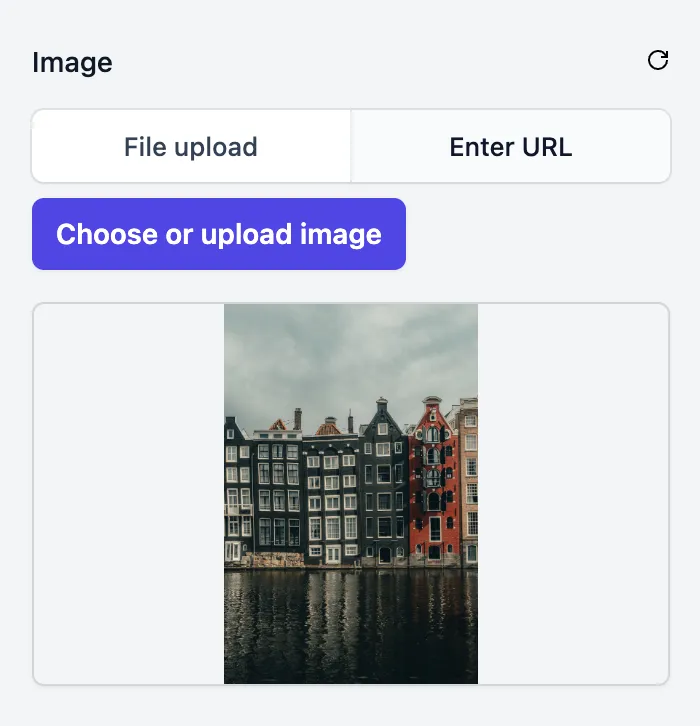
- Value: the image’s URL. Usually used as the
srcof an<img>tag. - Validation rules: Must not be blank, Must not be default.
| Label | Liquid variable | Type |
|---|---|---|
| Image | img_url | Image |
<img src="{{img_url}}" />A color picker.
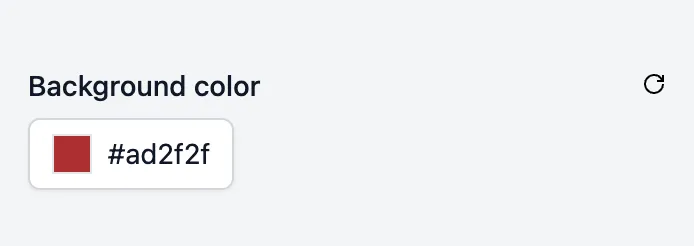
- Value: a hex color, such as
#1F6F5C. The default value must be a hex color too. - Validation rules: none.
| Label | Liquid variable | Type |
|---|---|---|
| Background color | bg_color | Color |
<td style="background-color: {{bg_color}}"> <p>Some content</p></td>Horizontal align
Section titled “Horizontal align”Buttons for left, center and right alignment.
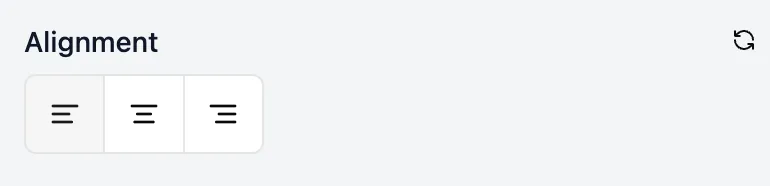
- Value:
left,centerorright. - Options: which alignments people can choose. The default value must be one of them.
- Validation rules: none.
| Label | Liquid variable | Type |
|---|---|---|
| Logo alignment | logo_alignment | Horizontal align |
<td align="{{logo_alignment}}"> <img src="https://example.com/logo.png" alt="Logo" /></td>Vertical align
Section titled “Vertical align”Buttons for top, middle and bottom alignment.
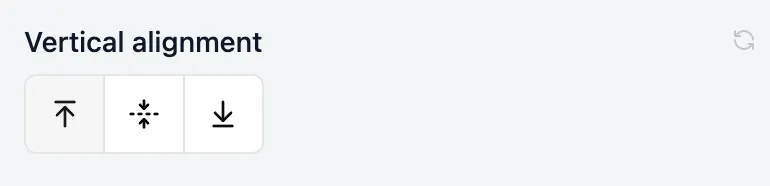
- Value:
top,middleorbottom. - Options: which alignments people can choose. The default value must be one of them.
- Validation rules: none.
| Label | Liquid variable | Type |
|---|---|---|
| Content alignment | content_alignment | Vertical align |
<td valign="{{content_alignment}}"> <p>Some content</p></td>A code editor, for people who need to add raw HTML or ESP code to an email.
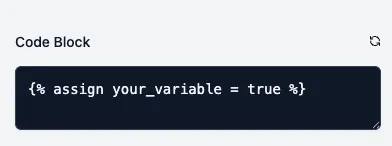
- Value: the code entered, output as it is.
- Validation rules: Must not be blank, Must not be default.
| Label | Liquid variable | Type |
|---|---|---|
| Code block | code_block | Code |
<td> {{code_block}}</td>