

How to review an email
This article shows you how to approve an email or request changes when you’ve been asked to review it.
You’ll receive a notification when an email is ready for your review.
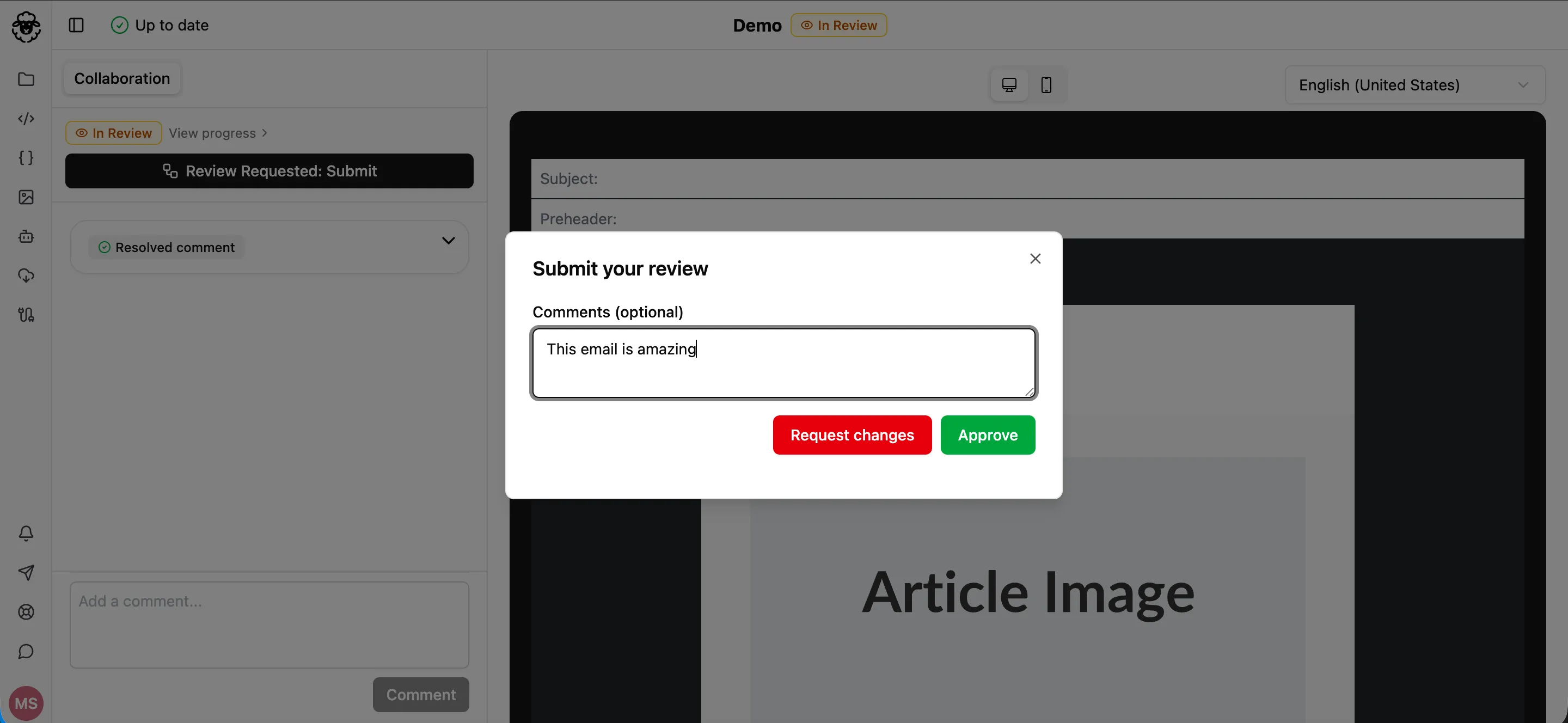
Submit your review
Section titled “Submit your review”- Open the email in the editor.
- Click the Collaboration tab.
- Click Review Requested: Submit.
- Optionally, in Comments (optional), add a comment for the person who submitted the email.
- Click one of:
- Approve: the email meets your requirements.
- Request changes: the email needs changes. The review resets for all reviewers and the email status changes to Changes Requested.
To change your review while the email is still in review, click Update Review.